Clear close-up view
Use the front camera as a dedicated mirror for makeup, hair, shaving, or checking your teeth.

A mirror when you need one
Turn your Android phone into a pocket mirror for makeup touch-ups, hair checks, shaving, or seeing a small detail up close.
What it does
A phone camera can show your face, but Mirror organizes the view around quick, one-handed mirror tasks.
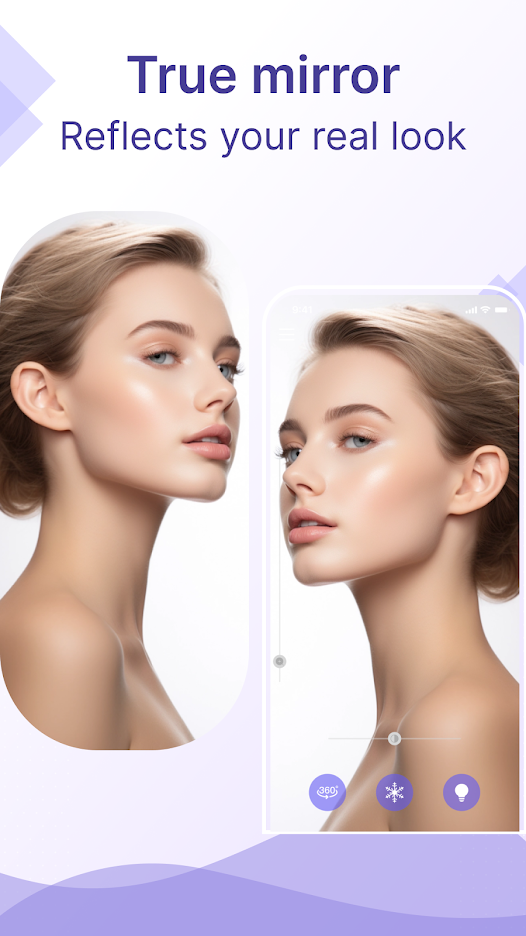
Use the front camera as a dedicated mirror for makeup, hair, shaving, or checking your teeth.
Move closer for a small detail or zoom out to review more of your overall look.
Brighten the view when the room or outdoor light makes details hard to see.
Hold the current view to inspect it without keeping your phone perfectly still.
Save a captured view and choose when to pass it to another app through Android sharing.
Use the app's rotation view when you want to present a look from a different angle.
Everyday uses
Mirror is built for practical moments when opening a full camera workflow would slow you down.
Check lipstick, a smudge, flyaway hair, or a final detail before walking in.
Use the phone already with you when a bathroom or compact mirror is not nearby.
Zoom, brighten, or freeze the view when a standard mirror is too far away.
Good to know
The current Google Play data-safety disclosure states that no data is shared with third parties and that the app may collect app information, performance data, and device or other identifiers. Store disclosures may change with app versions.
Frequently asked
Filters, zoom, freeze, saving, permissions, and the free app experience.
The app is designed to show a clear mirror view rather than apply a beauty filter. Lighting and view controls can still change how the preview looks.
Yes. Zoom controls let you move closer for details or back out for a wider check.
Yes. Freeze holds a frame so you can inspect it without keeping the phone perfectly still.
Yes. You can save a captured view and use Android sharing when you choose to send it to another app.
Camera permission is required to show the live mirror view. Saving or sharing may also require access allowed by your Android version.
Yes. The Google Play listing identifies the app as containing ads and offering in-app purchases.
More from Life365