Sleep & nap records
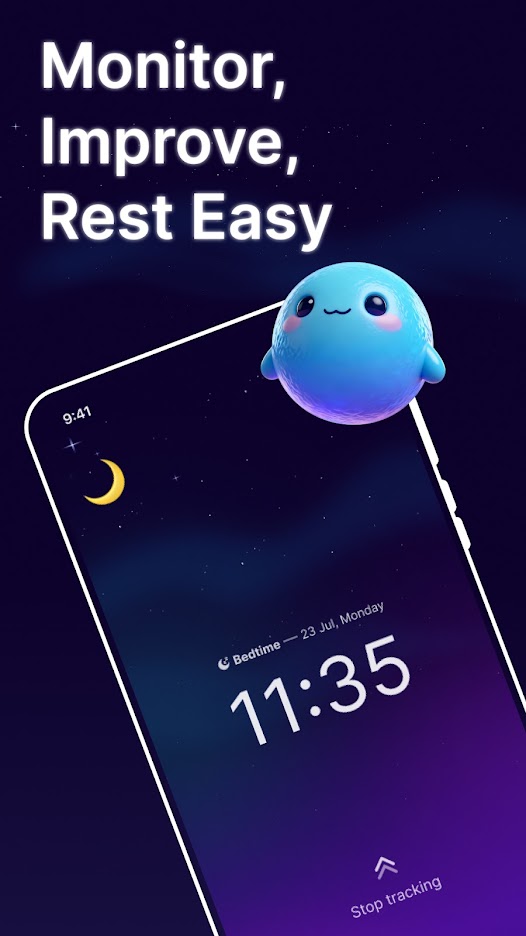
Start a session when you go to bed or take a nap and review the completed record afterward.
Understand your rest
Record sleep and naps, review estimated stages and sound events, add context to each night, and follow changes over time.
What it does
NiceSleep turns a tracking session into a record you can review: duration, estimated stages, detected sound events, your own notes, and longer-term trends.
Start a session when you go to bed or take a nap and review the completed record afterward.
See estimated light, deep, awake, and REM periods as a personal trend—not a clinical measurement.
When microphone access is granted, on-device analysis can detect events such as snoring, talking, coughing, or other noise.
Add the details that matter to you, such as a late workout, caffeine, or a changed bedtime routine.
Look beyond one night to notice changes in sleep duration, timing, and estimated quality.
With permission, supported sleep-session records can be read from or written to Health Connect or Apple Health.
How it works
You stay in control of when tracking starts, which permissions are granted, and whether any optional cloud backup is enabled.
Choose sleep or nap tracking, add optional context, and grant microphone access only if you want sound-event detection.
Keep the phone positioned as directed in the app. NiceSleep processes audio signals on the device to estimate events and stages.
Open the completed record, listen to clips you chose to save, and compare weekly or monthly patterns.
Good to know
Sleep records and saved clips remain on your device by default. Optional health access, analytics choices, advertising consent, and cloud backup are explained in the full policy.
Frequently asked
Straight answers about devices, health services, recordings, backup, and the meaning of sleep estimates.
No. NiceSleep can track a session using your phone. It does not directly connect to every smartwatch.
With your permission, NiceSleep can read and write supported sleep-session records through Health Connect on Android or Apple Health on iOS. Availability depends on your device, operating system, and the data those services provide.
No. Sleep stages, scores, and sound events are estimates for general wellness and personal trend tracking. NiceSleep is not a medical device.
Sleep data and saved sound clips stay on your device by default. A recording leaves your device only when you explicitly share it or include eligible favorite recordings in an enabled cloud backup.
Cloud backup is optional and off until you enable it. Android uses the app's private Google Drive app-data folder; iOS uses a private iCloud database.
No. NiceSleep cannot diagnose, treat, cure, or prevent a medical condition. Consult a qualified healthcare professional for medical concerns.
More from Life365